
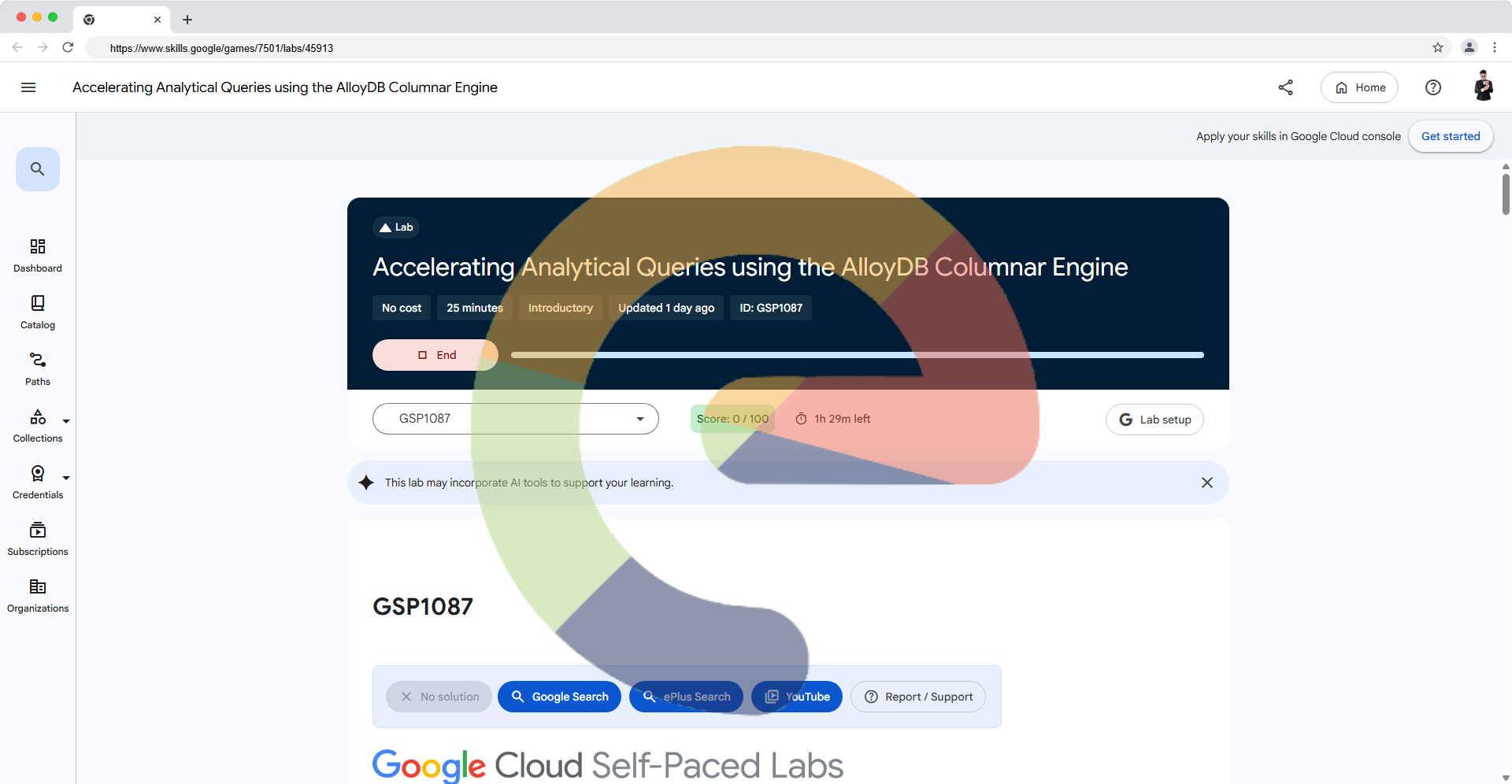
Accelerating Analytical Queries using the AlloyDB Columnar Engine - GSP1087
Official lab: https://www.skills.google/focuses/100850
Source: Lab instructions supplied by the user (30 October 2026).
Status: Documentation aligned to the supplied instructions; live lab and grader not independently tested.
Overview
AlloyDB for PostgreSQL is a managed PostgreSQL-compatible database. Its Columnar Engine can accelerate analytic scans, filters, joins and aggregates by storing selected data in a column-oriented representation and using a columnar query engine. In this lab you compare the performance of a query before and after enabling the columnar scan.
Objectives
- Create a baseline dataset for testing the Columnar Engine.
- Run a baseline performance test.
- Verify the Columnar Engine database flag.
- Verify or install the Columnar Engine extension.
- Test the Columnar Engine and compare performance.
Setup and requirements
Start the timed lab using the temporary student credentials provided by Google Skills, not a personal Google Cloud account. Open the assigned Google Cloud console and activate Cloud Shell. The lab provisions an AlloyDB cluster lab-cluster, instance lab-instance, and a VM named alloydb-client. Do not proceed until lab-instance is Ready.
From AlloyDB for PostgreSQL, copy the instance Private IP address, without the :5432 suffix. From Compute Engine → VM instances, click SSH for alloydb-client. All PostgreSQL and pgbench commands below run on this client VM, not in Cloud Shell.
Task 1. Create a baseline dataset for testing the Columnar Engine
In the alloydb-client terminal, replace ALLOYDB_ADDRESS with the instance's private IP:
export ALLOYDB=ALLOYDB_ADDRESS
echo "$ALLOYDB" > alloydbip.txt
Initialize the benchmark tables with pgbench:
pgbench -h "$ALLOYDB" -U postgres -i -s 500 -F 90 -n postgres
When prompted, use the lab-provided PostgreSQL password (Change3Me in the supplied lab instructions). The command initializes the benchmark data; scale factor 500 corresponds to 50,000,000 rows in pgbench_accounts. It may take several minutes.
Open the PostgreSQL client:
psql -h "$ALLOYDB" -U postgres
At the psql prompt, verify:
SELECT COUNT(*) FROM pgbench_accounts;
Expected result: 50000000. Click Check my progress → Create a baseline data set.
Task 2. Run a baseline test
Keep the psql client open and enable timing:
\timing on
Run the sample query:
SELECT aid, bid, abalance
FROM pgbench_accounts
WHERE bid < 189 OR abalance > 100
LIMIT 20;
Record the initial query execution time. Then run the unrestricted query with detailed execution statistics:
EXPLAIN (ANALYZE,COSTS,SETTINGS,BUFFERS,TIMING,SUMMARY,WAL,VERBOSE)
SELECT count(*) FROM pgbench_accounts
WHERE bid < 189 OR abalance > 100;
Record Planning Time and Execution Time for later comparison. The supplied lab example reports approximately 11,014 ms execution time before columnar optimization; your actual time may differ. Press Q if the output is being shown in a pager.
Task 3. Verify the database flag for the Columnar Engine
In the Google Cloud console:
- Open AlloyDB for PostgreSQL.
- On the
lab-instancerow, select Actions (⋮) → Edit. - Expand Advanced Configuration Options.
- Under Flags, click Add a database flag, then Choose a flag.
- Confirm
google_columnar_engine.enabledis enabled (on). - Click Cancel to exit the Edit page.
The supplied instructions ask you to verify the existing flag, not to change instance configuration.
Task 4. Set or verify a database extension for the Columnar Engine
Return to the alloydb-client terminal with psql active. Confirm the database and inspect extensions:
\c postgres
\dx
Check that google_columnar_engine appears in the installed extensions. The lab's example also lists google_db_advisor, hypopg, and plpgsql; extension versions may differ.
Only if google_columnar_engine is missing, run:
CREATE EXTENSION IF NOT EXISTS google_columnar_engine;
\dx
Task 5. Test the Columnar Engine
In the same psql session, add the benchmark table to the columnar store:
SELECT google_columnar_engine_add('pgbench_accounts');
Run the same detailed execution plan as in Task 2:
EXPLAIN (ANALYZE,COSTS,SETTINGS,BUFFERS,TIMING,SUMMARY,WAL,VERBOSE)
SELECT count(*) FROM pgbench_accounts
WHERE bid < 189 OR abalance > 100;
Compare Execution Time before and after the columnar scan. The example in the supplied instructions shows approximately 78.8 ms after columnar optimization versus 11,014 ms before; these are illustrative measurements, not guaranteed results. In the optimized plan, look for indicators such as Rows Aggregated by Columnar Scan or Columnar cache search mode.
Click Check my progress → Testing the Columnar Engine.
Solution of Lab
Quick
curl -LO https://raw.githubusercontent.com/ePlus-DEV/storage/refs/heads/main/labs/GSP1087/lab.sh
source lab.sh
Manual
https://www.youtube.com/watch?v=6riqNid8TQE
https://www.youtube.com/watch?v=rJMTPCFVhJg
Other Solution
Official reference: https://www.skills.google/focuses/100850. No third-party solution has been verified for inclusion.
Troubleshooting
- Connection refused: ensure
lab-instanceis Ready, use its private IP, and runpgbench/psqlonalloydb-client. - Password rejected: use the temporary lab password from the current session.
- pgbench initialization slow: a scale factor of 500 creates 50 million account rows; wait for the operation to complete before checking progress.
- Columnar flag missing: confirm the current instance is
lab-instance; do not change unrelated flags. - Extension not found: run
CREATE EXTENSION IF NOT EXISTS google_columnar_engine;in thepostgresdatabase and verify with\dx. - No speedup: confirm the table was added with
google_columnar_engine_addand compare the same query withoutLIMIT. - Checkpoint incomplete: verify the 50-million-row dataset and that the columnar test ran, then retry Check my progress.
Verification
This walkthrough follows the five tasks in the user-supplied lab instructions. No original lab screenshots are embedded because image reuse rights were not verified. Neither the script nor the Google Skills grader has been independently executed or confirmed to pass.
Copyright (c) 2026 ePlus.DEV | Unlicense (original explanation and script only).
About the author
A passionate full-stack developer from @ePlus.DEV
Comments
Join the discussionNo comments yet. Be the first to comment.
News
Stay informed with our News category. Get the latest updates on events, trends, business, technology, and more. Stay ahead in the modern world.