
Arcade Hero: Building Blocks Cloud Run functions III - ARC1222
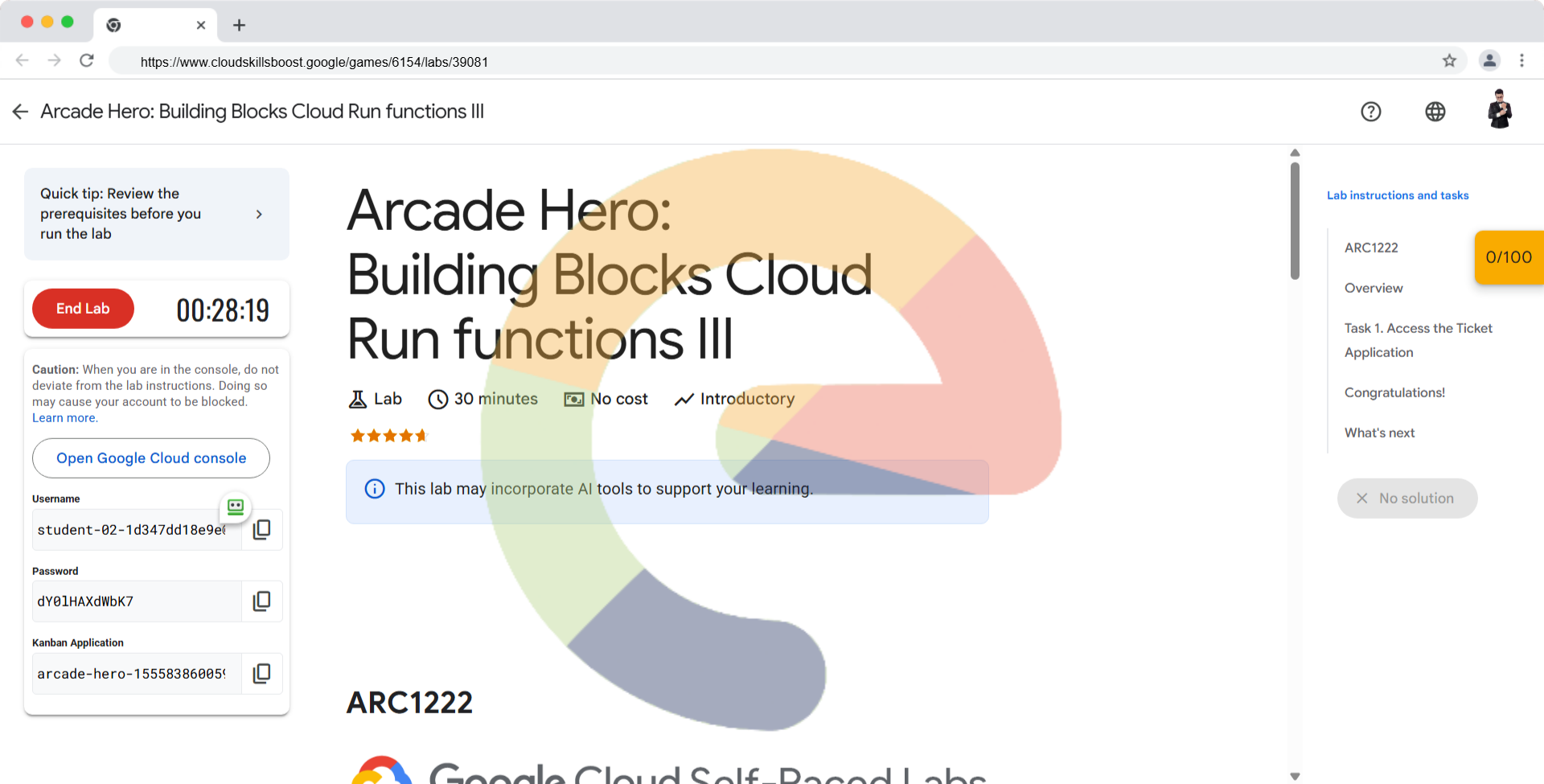
Overview
In this lab you will learn the fundamentals of Cloud Run functions using Google Cloud.
If you are new to Cloud Run functions or looking for an overview of how to get started, you are in the right place. Read on to learn about the specifics of this lab and areas that you will get hands-on practice with.
In this lab learn:
The use cases for
Cloud Run functionsHow to implement
Cloud Run functions
Prerequisites
Over the course of this lab the following elements are required:
Cloud Run functions
Task 1. Access the Ticket Application
Open the arcade-hero-155583860059.us-east1.run.app to gain access to the lab chat application.
Note:The application link works in both a normal browser tab and an incognito window. An initial loading screen will appear while the lab data is being prepared.
From here you will be able to interact with the application interface during the course of this lab.
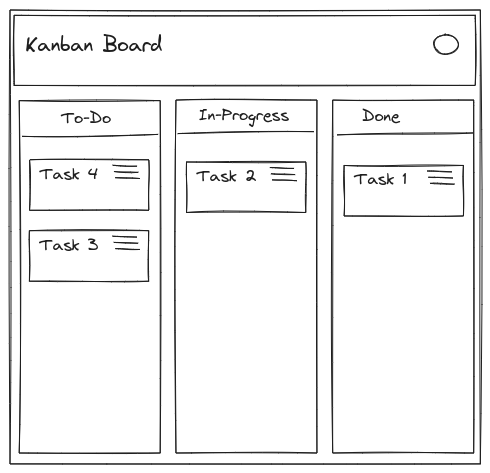
Note:The above image is the main kanban screen. The screen includes the available tickets reflecting different knowledge domains. The number of tickets displayed will be dependent on the level and persona selected.
The lab mimics a kanban application scenario. Select an active ticket to view the lab specific task. To complete the lab successfully ensure the ticket task is fulfilled per instructions given.
Solution of Lab
About the author
A passionate full-stack developer from @ePlus.DEV
Comments
Join the discussionNo comments yet. Be the first to comment.
Tip & Tricks
Quick and practical tips to help users optimize tasks, improve skills, and solve common problems effectively across various areas like tech, lifestyle, productivity, and more.