
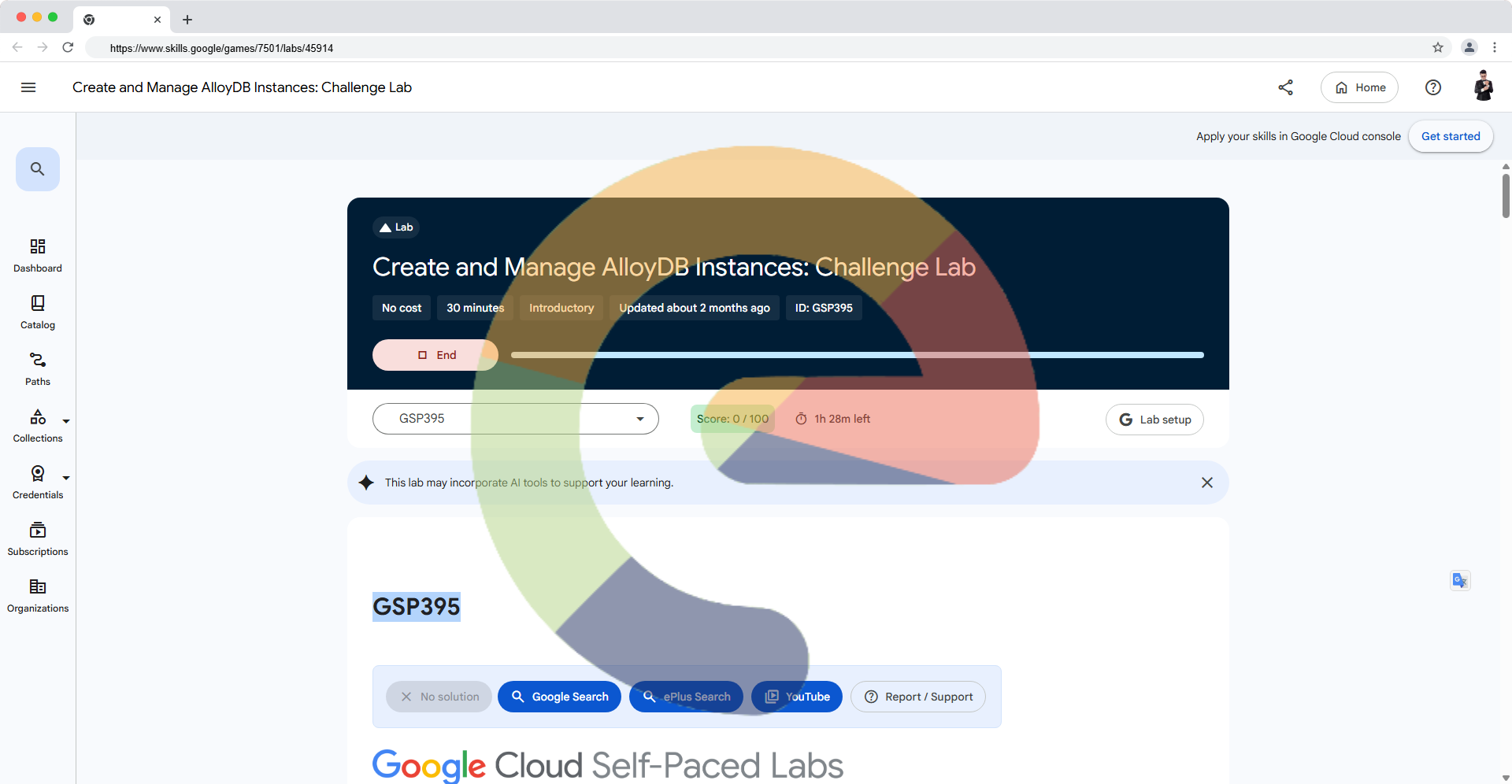
Create and Manage AlloyDB Instances: Challenge Lab - GSP395
Overview
In this challenge, you act as a database administrator provisioning an AlloyDB for PostgreSQL environment for an HR Operations team. The grader checks five tasks: a cluster and primary instance, the HR table schemas, seed data, a two-node read pool, and an on-demand backup.
Important: Use only the temporary Google Skills student account and project assigned to the lab. The lab timer cannot be paused.
Objectives
- Create the AlloyDB cluster and primary instance.
- Create the HR database tables.
- Load the required sample records.
- Provision a two-node read pool.
- Create an on-demand backup.
Setup and requirements
Required resources
| Resource | Required configuration |
|---|---|
| Cluster | lab-cluster |
| PostgreSQL password | Change3Me (temporary lab password only) |
| Network | peering-network |
| Primary instance | lab-instance, 2 vCPU |
| Client VM | Preprovisioned alloydb-client |
| Read pool | lab-instance-rp1, 2 nodes, 2 vCPU per node |
| Backup | lab-backup |
| Region | GCP Region from the lab launch page |
Do not substitute a different region: the grader expects the one assigned to your lab.
Test the unmerged PR in Cloud Shell
While this solution is still under review, run the draft PR branch instead of main:
REPO="ePlus-DEV/storage"
BRANCH="scout/new-gsp395-alloydb-challenge-20261030"

SHA="$(git ls-remote "https://github.com/$REPO.git" "refs/heads/$BRANCH" | awk '{print $1}')"
test -n "$SHA" || { echo "Branch not found"; exit 1; }

curl -fL --retry 3 \
  "https://raw.githubusercontent.com/$REPO/$SHA/labs/GSP395/lab.sh" \
  -o lab-gsp395.sh

bash -n lab-gsp395.sh || exit 1
set -o pipefail
FORCE_COLOR=1 bash lab-gsp395.sh 2>&1 | tee "gsp395-${SHA:0:12}.log"
The script automatically detects the active project, resolves the lab region using Cloud SDK settings, project metadata, or the provisioned alloydb-client VM zone, creates missing resources, and inserts seed data without duplicating primary keys. It does not prompt for a discoverable region.
Checkpoint reminder: Running a script is not the same as passing the grader. Click Check my progress after each relevant task.
Task 1 — Create the cluster and primary instance
Set the correct project and region from your lab session:
PROJECT_ID="$(gcloud config get-value project)"
REGION="$(gcloud config get-value compute/region 2>/dev/null || true)"
if [[ -z "$REGION" || "$REGION" == "(unset)" ]]; then
  REGION="$(gcloud compute project-info describe --format="value(commonInstanceMetadata.items[google-compute-default-region])" 2>/dev/null || true)"
fi
if [[ -z "$REGION" || "$REGION" == "(unset)" ]]; then
  CLIENT_ZONE="$(gcloud compute instances list --filter="name=alloydb-client" --format="value(zone)" | awk -F/ 'NF{print $NF;exit}')"
  REGION="${CLIENT_ZONE%-?}"
fi
[[ -n "$REGION" && "$REGION" != "(unset)" ]] || { echo "Region not discovered"; exit 1; }

gcloud alloydb clusters create lab-cluster \
  --password=Change3Me \
  --network=peering-network \
  --region="$REGION" \
  --project="$PROJECT_ID"

gcloud alloydb instances create lab-instance \
  --instance-type=PRIMARY \
  --cpu-count=2 \
  --cluster=lab-cluster \
  --region="$REGION" \
  --project="$PROJECT_ID"
If these resources already exist, inspect them instead of recreating them:
gcloud alloydb clusters describe lab-cluster \
  --region="$REGION" --project="$PROJECT_ID"

gcloud alloydb instances describe lab-instance \
  --cluster=lab-cluster --region="$REGION" --project="$PROJECT_ID"
Wait until the primary instance is ready. Obtain its private IP from the instance description, then click Check my progress for Task 1.
Task 2 — Create HR tables
On the preprovisioned alloydb-client VM, store the primary instance private IP:
export ALLOYDB="YOUR_PRIMARY_PRIVATE_IP"
echo "$ALLOYDB" > ~/alloydbip.txt
psql -h "$ALLOYDB" -U postgres -d postgres
Enter the lab-provided PostgreSQL password when prompted. In psql, execute:
CREATE TABLE IF NOT EXISTS regions (
  region_id bigint NOT NULL PRIMARY KEY,
  region_name varchar(25)
);

CREATE TABLE IF NOT EXISTS countries (
  country_id char(2) NOT NULL PRIMARY KEY,
  country_name varchar(40),
  region_id bigint
);

CREATE TABLE IF NOT EXISTS departments (
  department_id smallint NOT NULL PRIMARY KEY,
  department_name varchar(30),
  manager_id integer,
  location_id smallint
);
The challenge specifies exactly these three tables and their primary keys.
Task 3 — Load the required datasets
Run the following SQL using psql on alloydb-client:
INSERT INTO regions VALUES
  (1, 'Europe'),
  (2, 'Americas'),
  (3, 'Asia'),
  (4, 'Middle East and Africa')
ON CONFLICT (region_id) DO NOTHING;

INSERT INTO countries VALUES
  ('IT', 'Italy', 1),
  ('JP', 'Japan', 3),
  ('US', 'United States of America', 2),
  ('CA', 'Canada', 2),
  ('CN', 'China', 3),
  ('IN', 'India', 3),
  ('AU', 'Australia', 3),
  ('ZW', 'Zimbabwe', 4),
  ('SG', 'Singapore', 3)
ON CONFLICT (country_id) DO NOTHING;

INSERT INTO departments VALUES
  (10, 'Administration', 200, 1700),
  (20, 'Marketing', 201, 1800),
  (30, 'Purchasing', 114, 1700),
  (40, 'Human Resources', 203, 2400),
  (50, 'Shipping', 121, 1500),
  (60, 'IT', 103, 1400)
ON CONFLICT (department_id) DO NOTHING;

SELECT 'regions' AS table_name, count(*) FROM regions
UNION ALL
SELECT 'countries', count(*) FROM countries
UNION ALL
SELECT 'departments', count(*) FROM departments;
Expected row counts:
| Table | Rows |
|---|---|
regions |
4 |
countries |
9 |
departments |
6 |
Click Check my progress for the table creation and data loading objective.
Task 4 — Create a read pool
gcloud alloydb instances create lab-instance-rp1 \
  --instance-type=READ_POOL \
  --cpu-count=2 \
  --read-pool-node-count=2 \
  --cluster=lab-cluster \
  --region="$REGION" \
  --project="$PROJECT_ID"
Check the instance state:
gcloud alloydb instances describe lab-instance-rp1 \
  --cluster=lab-cluster --region="$REGION" --project="$PROJECT_ID"
Wait until it is ready, then click Check my progress.
Task 5 — Create an on-demand backup
gcloud alloydb backups create lab-backup \
  --cluster=lab-cluster \
  --region="$REGION" \
  --project="$PROJECT_ID"
Verify the backup:
gcloud alloydb backups describe lab-backup \
  --region="$REGION" --project="$PROJECT_ID" \
  --format="yaml(name,state)"
Wait for the backup to complete, then click Check my progress.
Solution of Lab
Quick
curl -LO https://raw.githubusercontent.com/ePlus-DEV/storage/refs/heads/main/labs/GSP395/lab.sh
source lab.sh
Manual
https://www.youtube.com/watch?v=LqU3td4W06Q
https://www.youtube.com/watch?v=TdDs3CkIOmE
Other Solution
Official lab: https://www.skills.google/games/7501/labs/45914. No third-party solution has been independently validated for this article.
Troubleshooting
Script exits before displaying the banner
Earlier drafts of the script had a Bash startup issue involving ANSI color initialization and set -e. Use the latest PR branch revision. Diagnose with:
bash -n lab-gsp395.sh
bash -x lab-gsp395.sh
echo "Exit code: $?"
Region not configured
The region must match the GCP Region shown on the Google Skills launch page. The automatic solution derives it from configured region, project metadata, or the preprovisioned lab VM zone. Verify that it matches the lab launch page; never switch regions to bypass capacity errors.
Instance creation fails due to insufficient resources
If AlloyDB reports insufficient capacity, retry after a short delay or follow the lab's official guidance. Do not silently change the region: doing so may cause grader failures.
SQL connection fails
Confirm that the primary instance is ready, the VM is alloydb-client, the IP is the private IP of lab-instance, and you are using the temporary lab PostgreSQL password.
Existing tables
The automated script uses CREATE TABLE IF NOT EXISTS and ON CONFLICT DO NOTHING to make reruns safer. This does not repair an incorrectly defined existing schema. Inspect table definitions with \d regions, \d countries, and \d departments if the grader does not pass.
Verification
The authorized Cloud Shell log confirms that the primary instance was created and that the SQL completed with row counts of 4 regions, 9 countries and 6 departments. The read pool creation failed with an insufficient-capacity error in us-central1. The updated script can retry in the assigned region and proceed to the backup, but no subsequent execution or successful Google Skills checkpoint evidence has been supplied. Do not claim a 100% score.
Final checklist
- Cluster
lab-clusterand primarylab-instancecreated in the assigned region - Three HR tables created with the specified columns and primary keys
- Exactly 4 regions, 9 countries, and 6 departments loaded
- Two-node read pool
lab-instance-rp1created - Backup
lab-backupcompleted - Every Google Skills checkpoint reports success
Copyright (c) 2026 ePlus.DEV | Unlicense. This walkthrough does not claim a verified 100% score.
About the author
A passionate full-stack developer from @ePlus.DEV
Comments
Join the discussionNo comments yet. Be the first to comment.