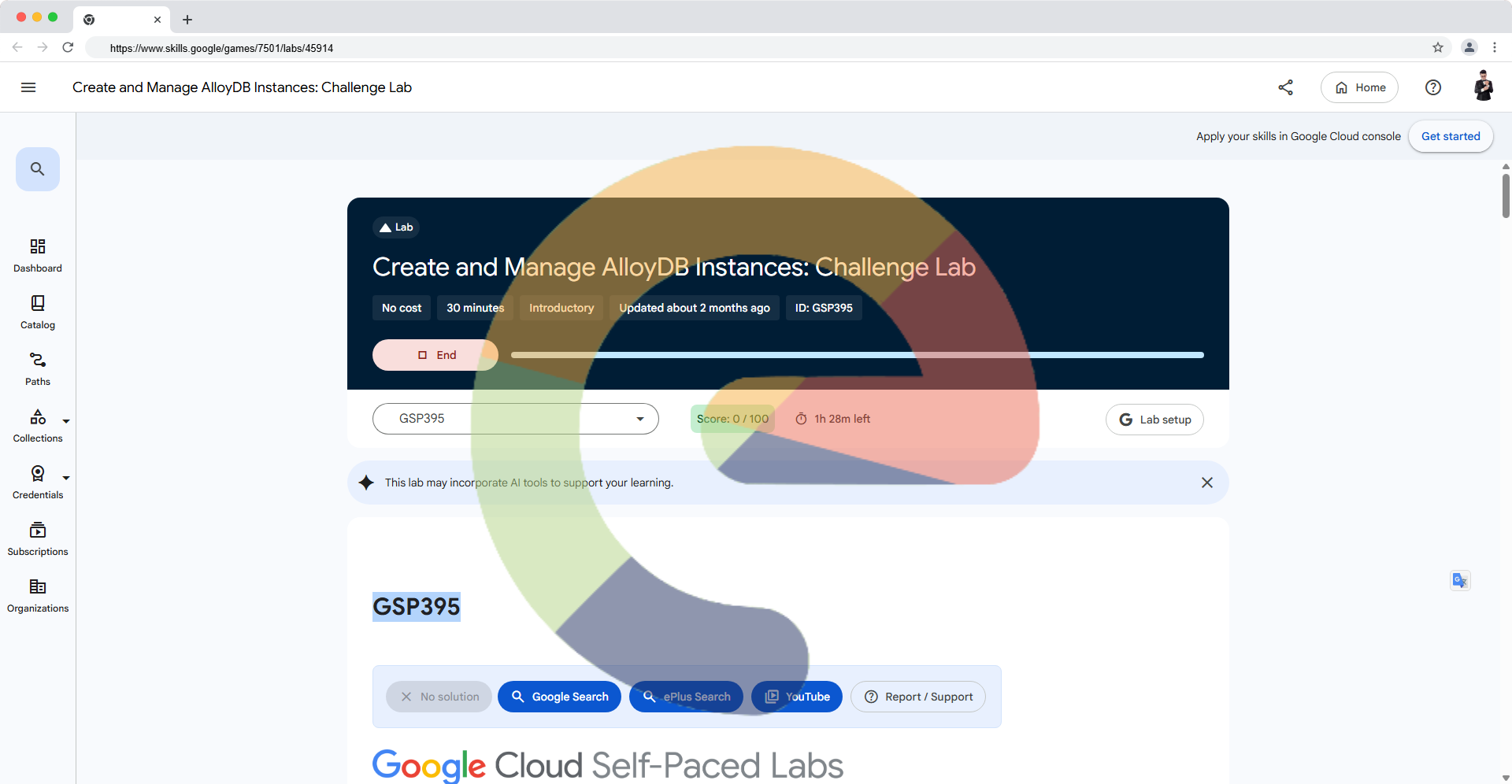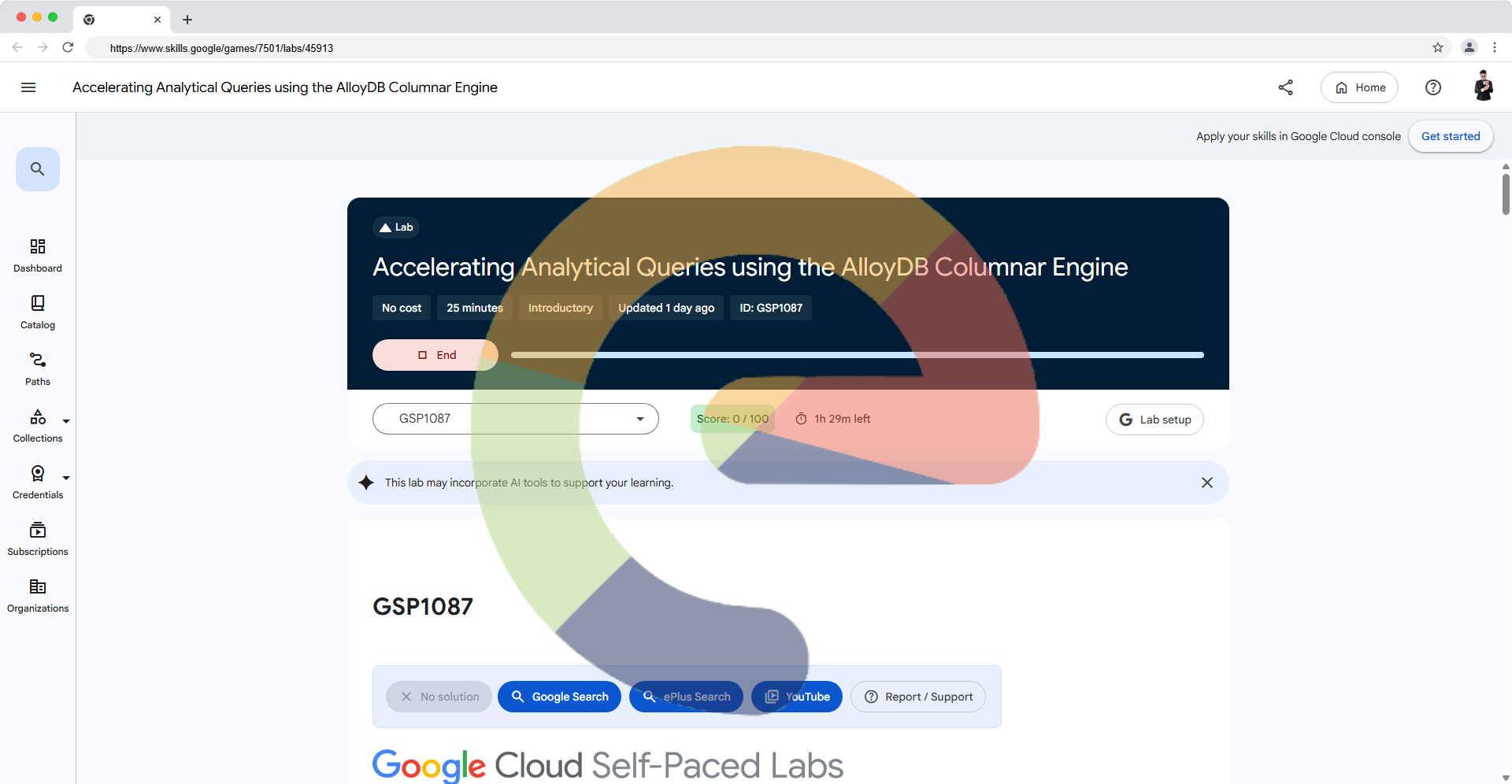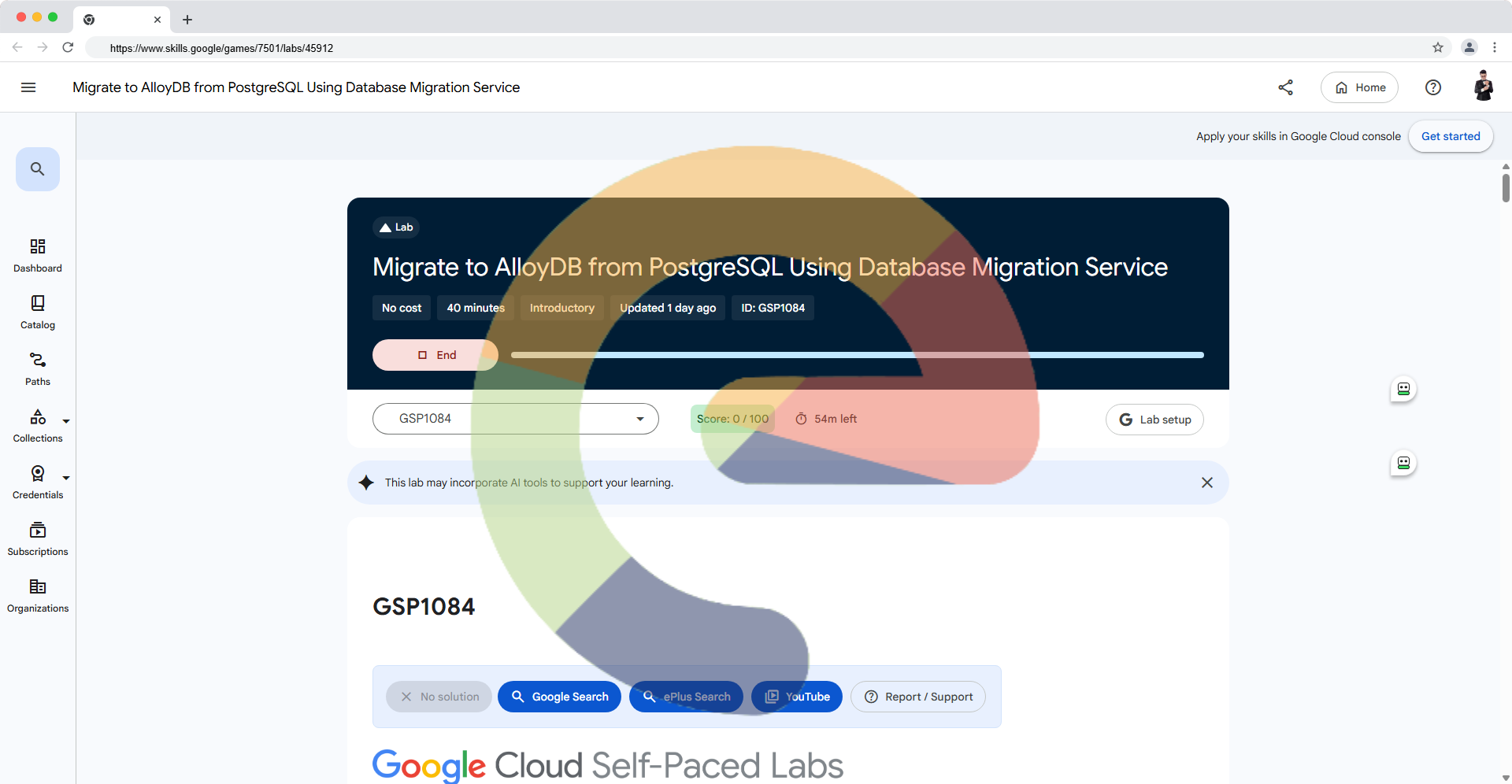

Launching the Learning Support Extension for Google Cloud Skills Boost!
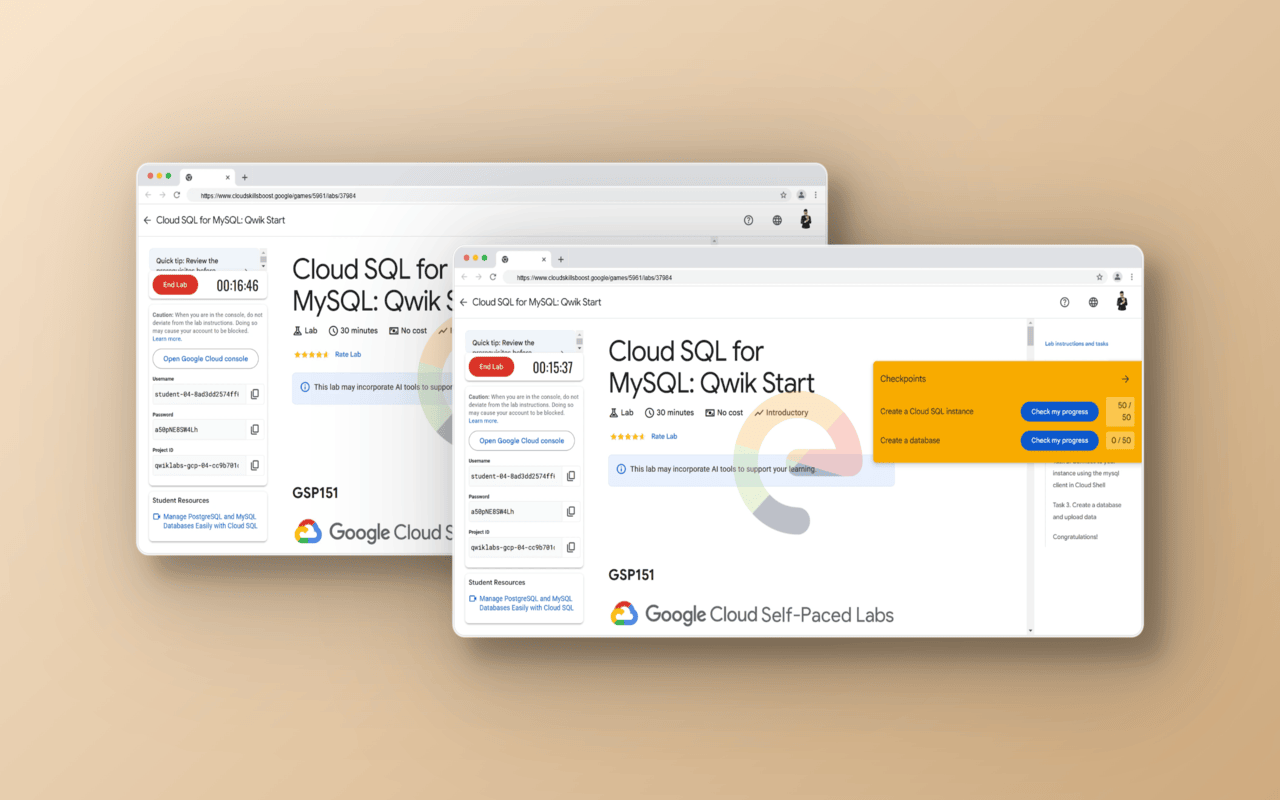
Introduction
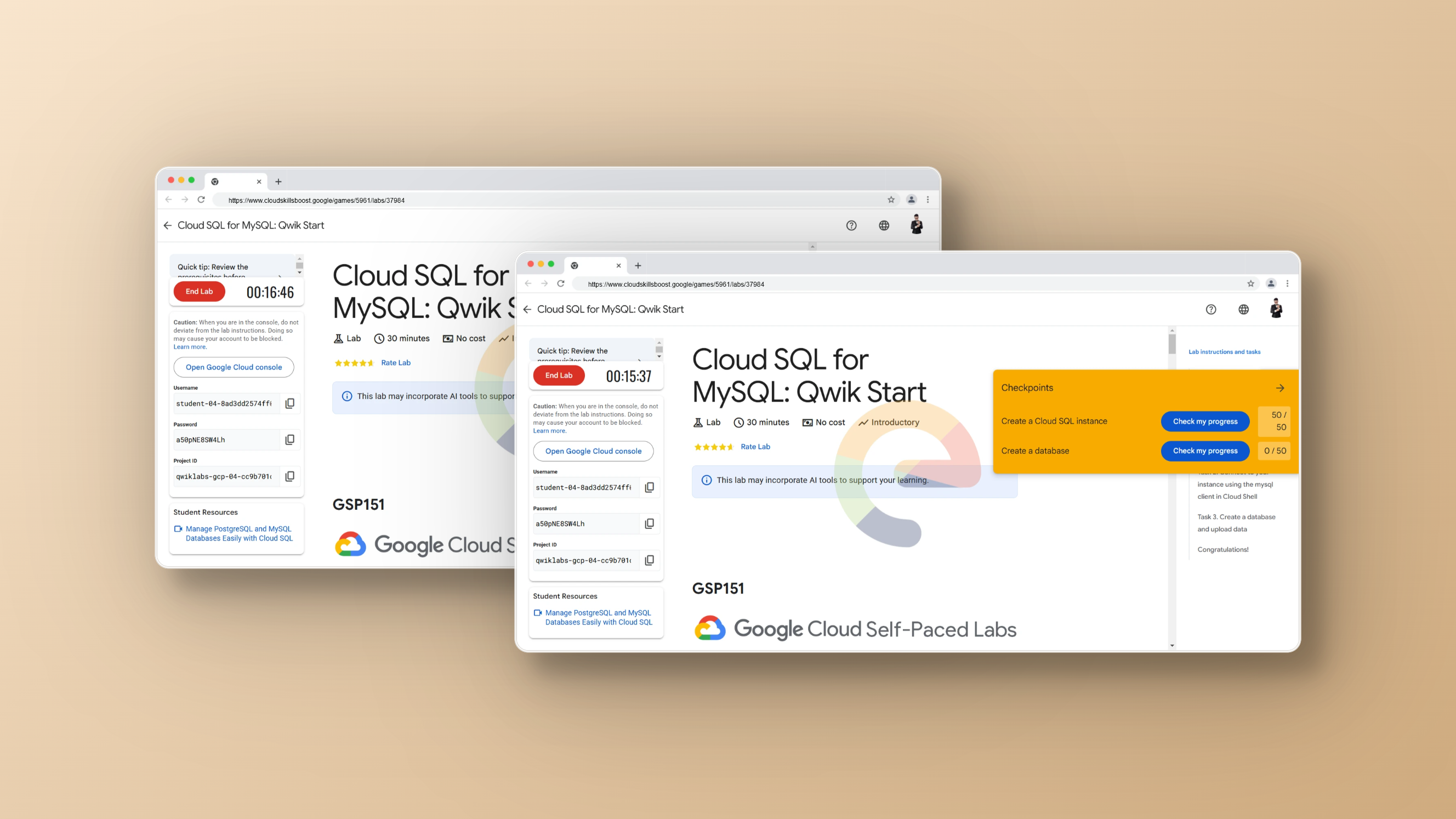
We are excited to introduce Google Cloud Skills Boost - Helper, a browser extension designed to optimize your learning experience on Google Cloud Skills Boost. With a range of useful features, this tool makes it easier to track progress, calculate Arcade points, and manage leaderboards efficiently!
Key Features
🎯 Arcade Points Calculator – Automatically calculates and displays your Arcade points.
📊 Scoreboard with Quick Actions – Easily track your scores and take quick actions.
👁 Toggle Leaderboard Visibility – Customize the display of the leaderboard as needed.
Installation Guide
1. Install from official stores:
The extension is now available on:
2. Manual Installation (for Chromium-based browsers)
If you prefer manual installation, follow these steps:
Download and unzip google-cloud-skills-boost-helper-{version}-chrome.zip.
Rename the extracted folder to google-cloud-helper.
Open Chrome/Chromium and go to Extensions.
Enable Developer mode.
Click Load unpacked extension....
Select the google-cloud-helper folder you extracted.
Done! 🎉
Why Use Google Cloud Skills Boost - Helper?
🚀 Speed up your learning and practice on Google Cloud.
📌 Easily track and improve your Arcade scores.
💡 Visualize information to better manage and optimize your learning strategy.
Try it today and conquer Google Cloud Skills Boost challenges smarter! 🌟

About the author
A passionate full-stack developer from @ePlus.DEV
Comments
Join the discussionNo comments yet. Be the first to comment.
News
Stay informed with our News category. Get the latest updates on events, trends, business, technology, and more. Stay ahead in the modern world.